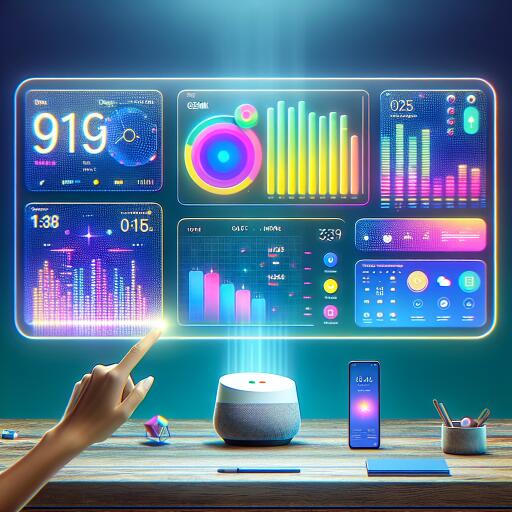

Gemini for Google Home Gets Smart Display Improvements and More
Google is rolling out another wave of refinements to Gemini for Home, the customized version of its Gemini assistant designed for Google Home devices. The updates enhance how smart displays respond, streamline alarms and timers, and make the Google Home app easier to use.
Sharper voice replies on smart displays
The Gemini for Home voice assistant now offers on-screen feedback after each interaction. A pair of thumbs up or thumbs down appears on the display, letting users quickly steer improvements without leaving the current screen.
- Feedback helps the system learn preferences and tailor responses for device questions and daily routines.
- On-screen controls support more natural interactions on smart displays beyond voice alone.
Context-aware interactions with Ask Home
Gemini for Home taps into context from Ask Home to make inquiries about cameras, speakers, or displays feel more seamless. For example, it can reference past camera history or focus on facial matches tied to names you’ve provided, speeding up searches and improving accuracy.
Home Brief: a snapshot while you’re away
You can request a Home Brief on any speaker or display to get a concise recap of what happened at home. Questions like “When did the nanny arrive?” or “Where is my car?” can be answered, and you can also verify status by turning lights on or off remotely.
Alarms and timers: quicker to set
Setting alarms or timers now happens with shorter wait times and less repetition, making routine tasks faster and more reliable during busy moments.
Enhanced answers and safety protections
The assistant’s safeguards have been refined to provide more helpful responses for adult users while maintaining strong protections for younger users. When appropriate, it can offer guidance or ideas that suit an adult audience, including recipe suggestions or usage ideas that are suitable for adult contexts.
Improved onboarding and discovery
New users will encounter clearer, personalized suggestions to get started and discover additional ways to interact with Gemini for Home. This makes it easier to unlock the full potential of the setup from day one.
Google Home app: smarter controls and setup
Updates to the Google Home app (version 4.16 and higher) bring:
- One-tap temperature overrides for quick climate adjustments on compatible devices.
- Up-to-date schedule guidance for Nest Thermostats to optimize routines.
- Expanded Nest Thermostat controls available on iPhone for easier management from mobile hardware.
- A streamlined device setup flow that uses a QR code scanner to simplify adding new equipment.
These enhancements position Gemini for Home as a more capable, context-aware assistant that blends conversational control with practical smart-home management, especially for households with multiple displays and an interest in immersive tech experiences.